


Tame your inbox with labels and filters
Inbox zero isn’t a personality trait. It’s three filters. Set up a handful of labels once and the mail sorts itself: clients here, receipts there, newsletters out of the way. Ten minutes now, an hour back every week.
DP Projects • 5 min read • Growth & Operations
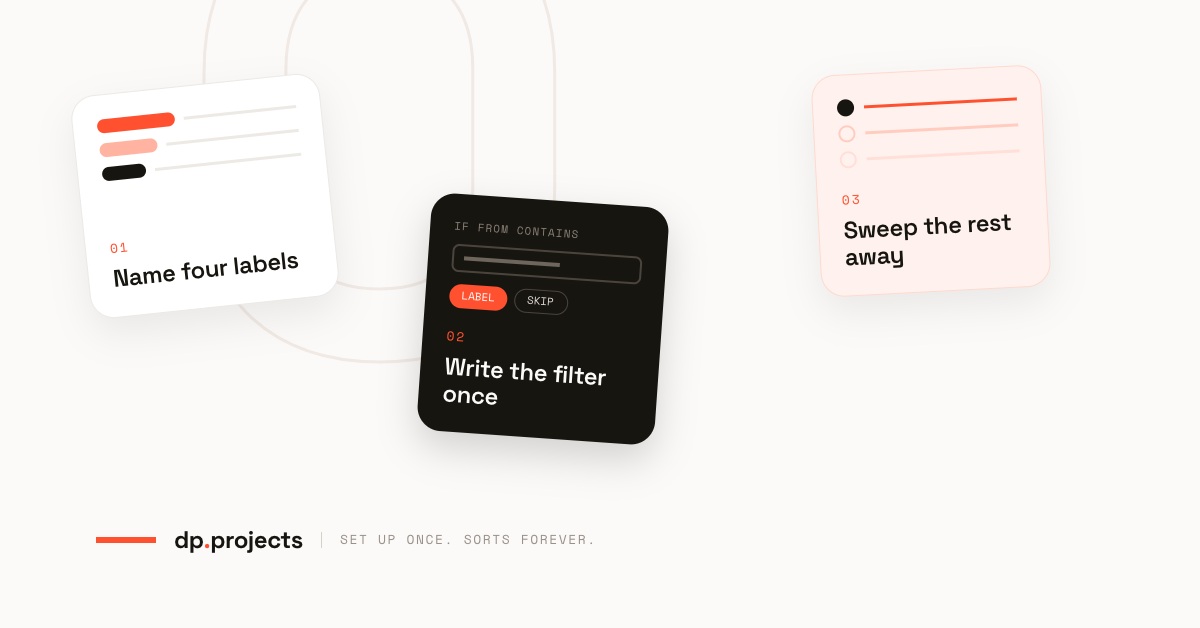
Four labels, one filter each, and a much quieter morning.
There is a particular kind of person who says they are “on top of their email,” and everyone assumes they are simply more disciplined. They are usually not. They’ve just stopped doing the sorting themselves.
Most people fight their inbox by hand every morning: skim, drag, archive, repeat. By quarter past nine they have read forty-two things and acted on four, and the four were obvious from the subject line.
That is not a discipline problem. It is a missing rule.
Labels and filters are the least glamorous feature in any email client, and the only one that reliably gives you time back. Here is the whole system. It takes about ten minutes and nothing in it is clever.
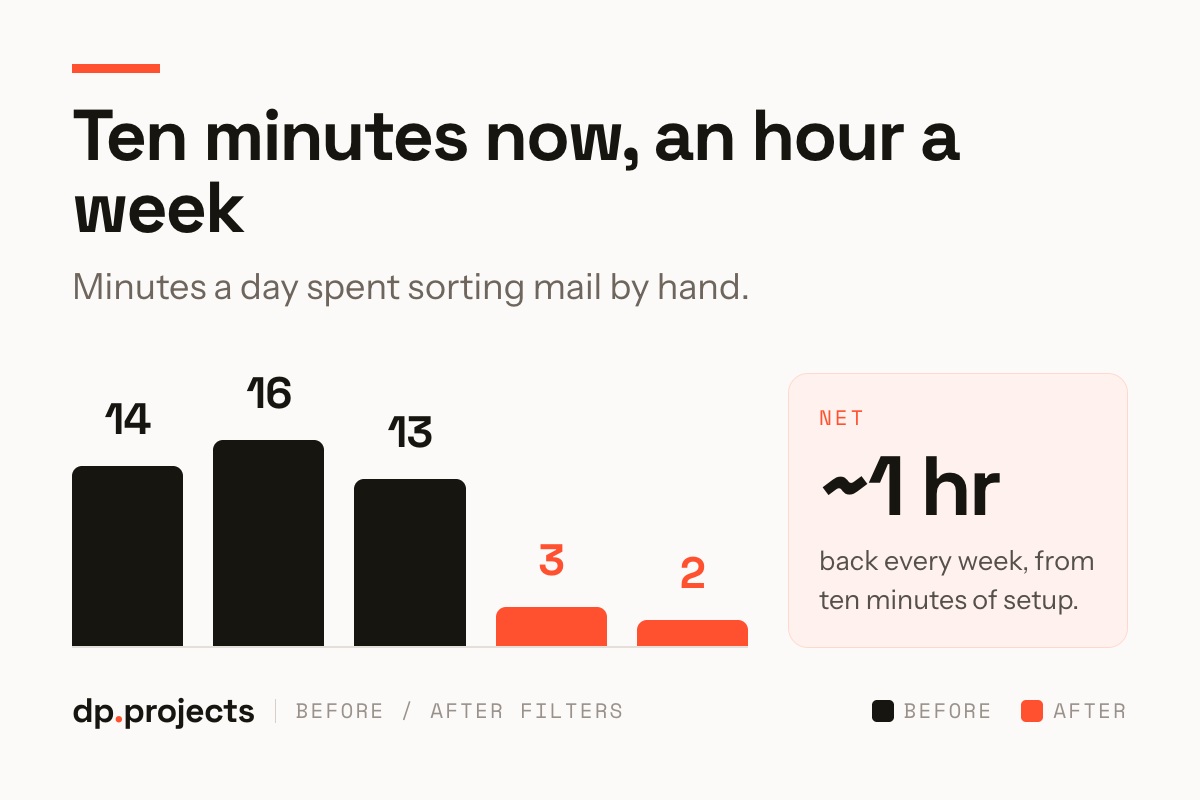
Same volume of mail. A fraction of the handling.
Name four labels, not twenty
Almost everyone who tries this builds a twenty-label taxonomy first, nests it three deep, and abandons it inside a couple of weeks. A label you have to think about is a label you will not use.
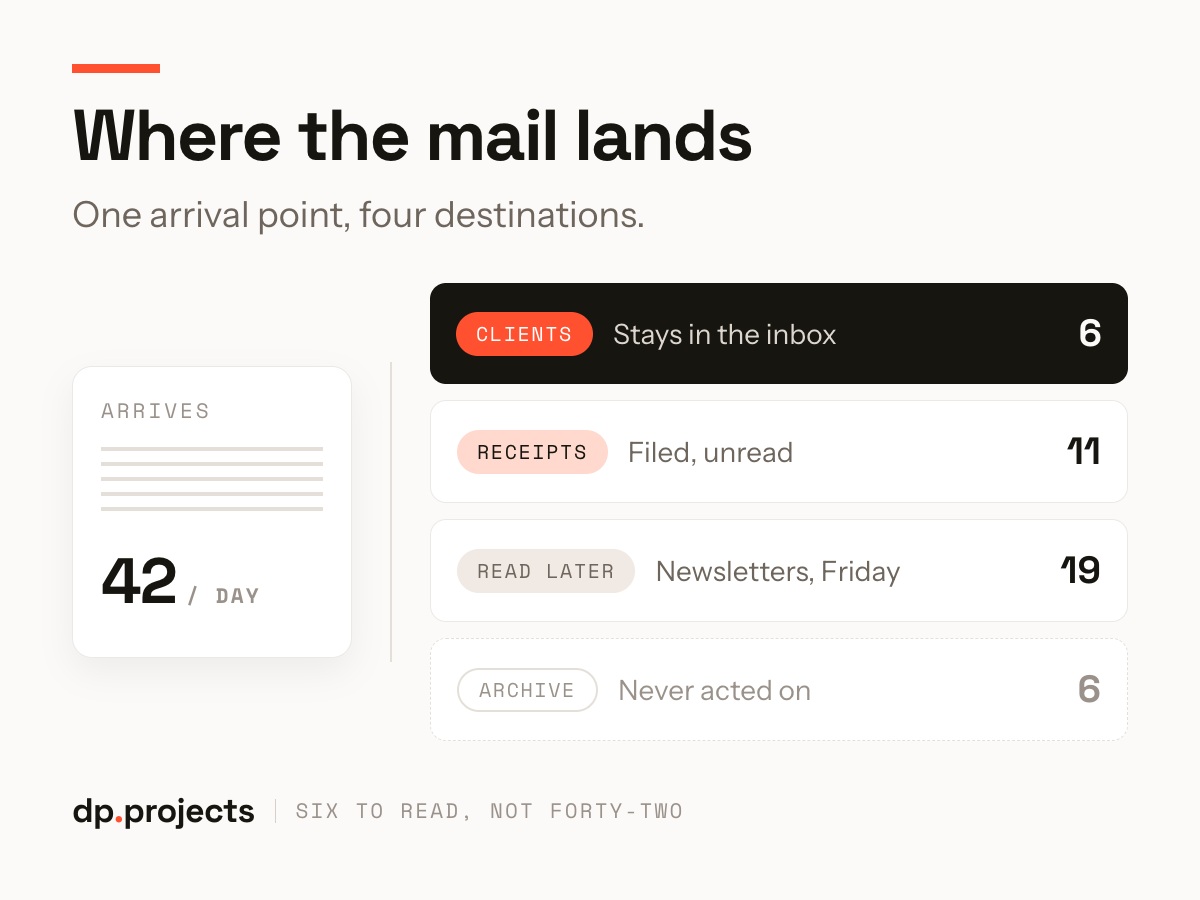
Four is enough: Clients for the people paying you, Receipts for anything your accountant will eventually want, Read later for everything you subscribed to in good faith, and Archive for the notifications you have never once acted on.
The test for a good label is not “does this describe the email.” It is “does this tell me what to do with it.” Anything that fails that test is a folder pretending to be a decision.
Write the filter once, then leave it alone
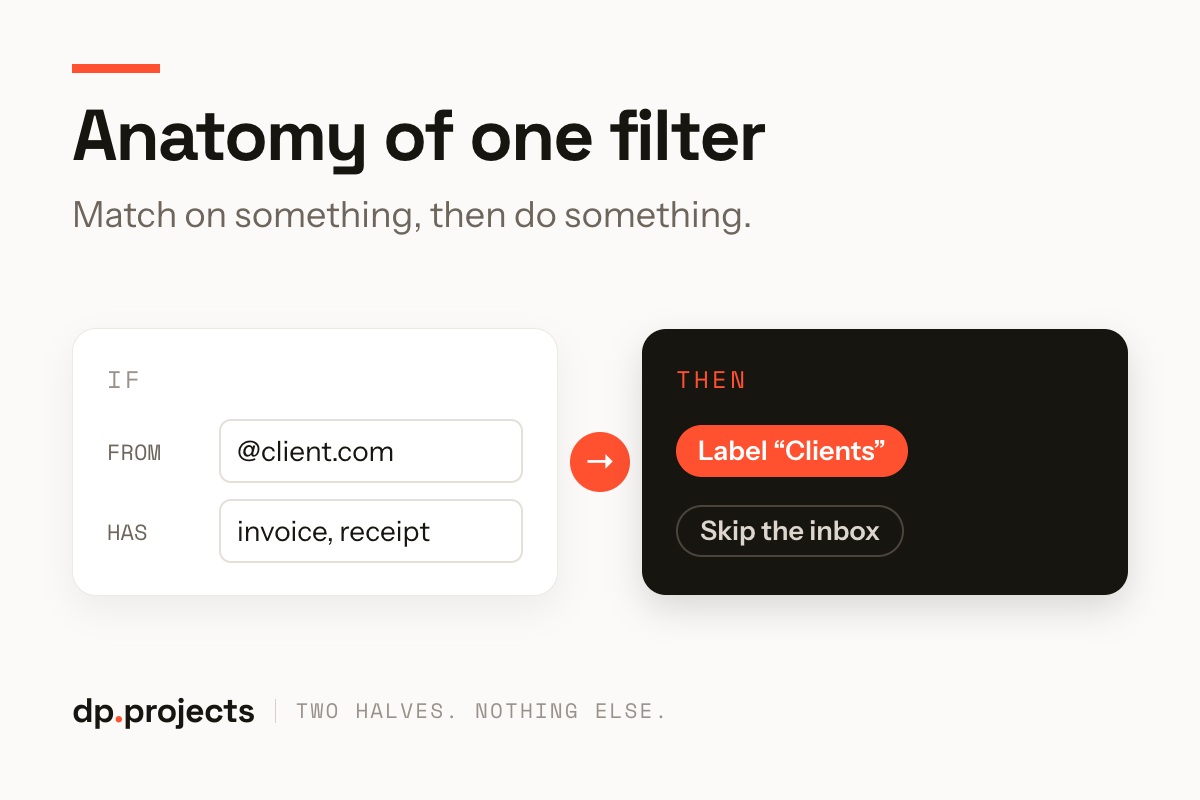
Every filter is the same two halves: something to match on, and what to do about it. Mail from your client’s domain gets the Clients label. Anything containing “invoice” or “receipt” with an attachment gets Receipts — and skips the inbox entirely.
That second part is the one people leave out, and it is the part that does the work. A label alone just colors the pile you are still reading. Skipping the inbox is what makes the pile smaller.
Send the newsletters somewhere else
Newsletters, product updates, digests, the webinar you registered for in 2023 — all of it goes to Read later, unread, out of sight. One filter, matched on the unsubscribe footer or the sender list, covers most of it.
You will read some of it on a Friday. You will never miss the rest, and that absence is genuinely useful information: after a month, unsubscribe from everything in there you have not opened once.
What actually changes
The volume does not change. You still get the same forty-two emails. What changes is that six of them are in front of you and thirty-six are already filed, so the morning skim stops being a triage exercise and becomes a glance.
Three rules that stop this backfiring
Filters go wrong in exactly one way: they hide something you needed to see. These three habits prevent it.
Do it on a Sunday evening, when there is no live mail to be precious about. Four labels, four filters, one tick box that says skip the inbox.
It is the cheapest hour you will get back all year, and unlike most productivity advice, it keeps working when you stop paying attention to it.
Is the shared inbox the real problem?
Labels fix a personal inbox. A team inbox needs rules about who owns what. We’ll map yours and set the first ones up with you.