

Three automations to start with. None of them are scary.
You don’t need a robot army or a six-month project. You need three small wins that quietly delete the most repetitive parts of your week, and pay for themselves inside a month.
DP Projects 5 min read Growth & Operations
 Three jobs a computer does better than a busy human.
Automation has a branding problem. The word arrives attached to words like AI transformation and digital roadmap, so most small teams assume it means a long project, a consultant, and something that will break the moment nobody is watching.
In everyday life, the automations that really make a difference during the week are pretty simple. They might just move a file, send a message you were already going to send, or make sure a new question gets to the right person quickly. There’s nothing fancy or flashy about them, and that’s exactly why they work so well.
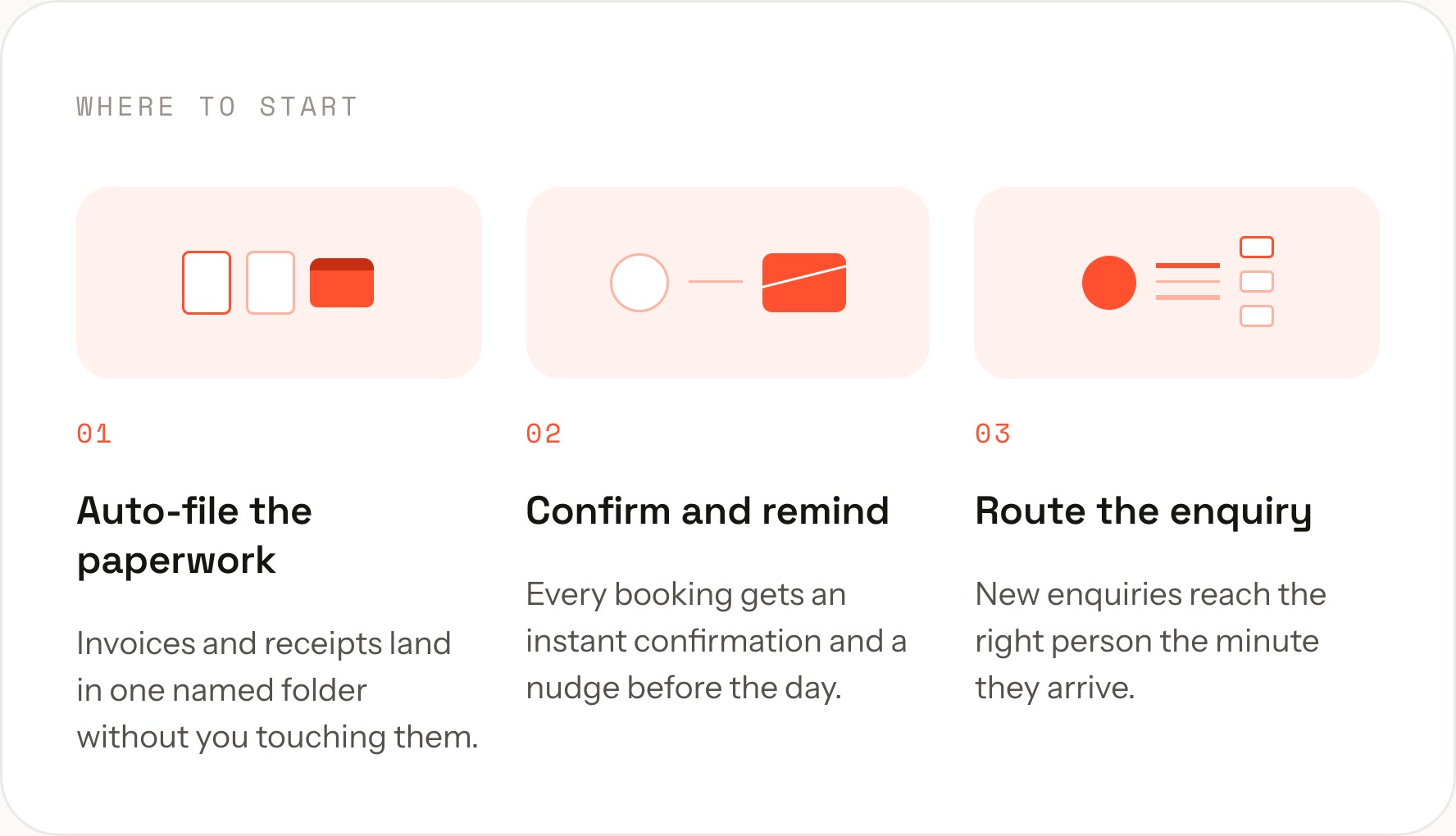
Here are the three we set up first, almost every time. Each one takes under an hour, uses tools you probably already pay for, and can be switched off in a click if you hate it.
Small automations, disproportionate returns
Send every invoice to one folder, automatically
The problem is never that you lose invoices. It is that they live in four places at once: an email thread, someone’s downloads folder, a photo of a receipt, and a shared drive nobody agreed on. At quarter end, that costs a full day.
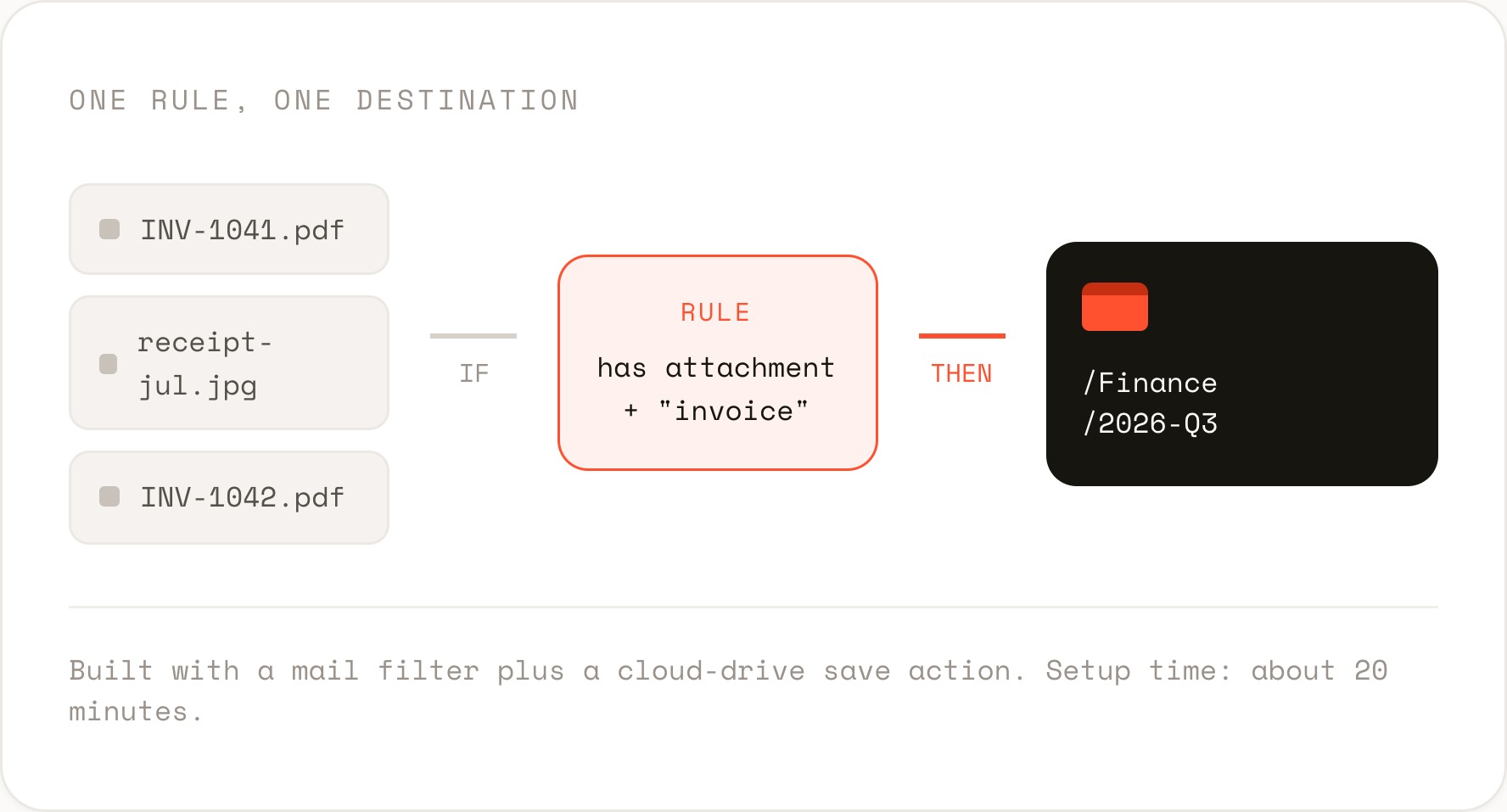
One rule fixes it. When an email arrives with an attachment and the word invoice or receipt, the file is saved to a single dated folder and the email is labelled. You keep doing nothing, and the folder is right by the time your accountant asks.
Automation 02
Confirm the booking before you’ve noticed it
A confirmation email is the cheapest trust you will ever buy, and the easiest to forget when you are mid-job. Worse, the gap between someone booking and someone hearing back is exactly where doubt creeps in.
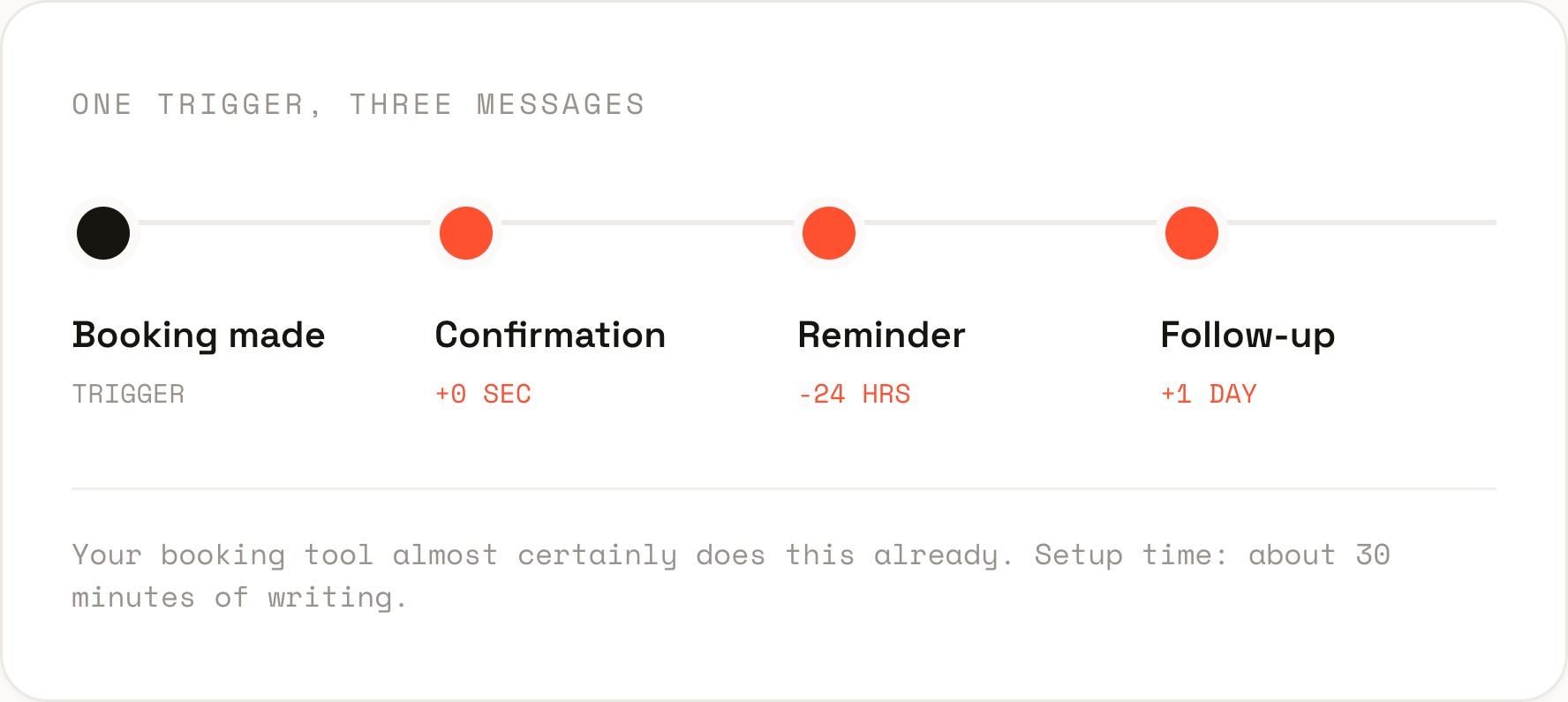
Chain three messages off one trigger: confirm immediately, remind the day before, follow up after. Write them once in your voice, and they run for every booking from then on. The no-show rate drops on its own.
Automation 03
Get every enquiry to the right person first time
Shared inboxes fail in a specific way. Everyone can see the message, so nobody owns it, and the reply that takes two minutes takes two days. The fix is not a bigger inbox. It is a rule about who gets what.
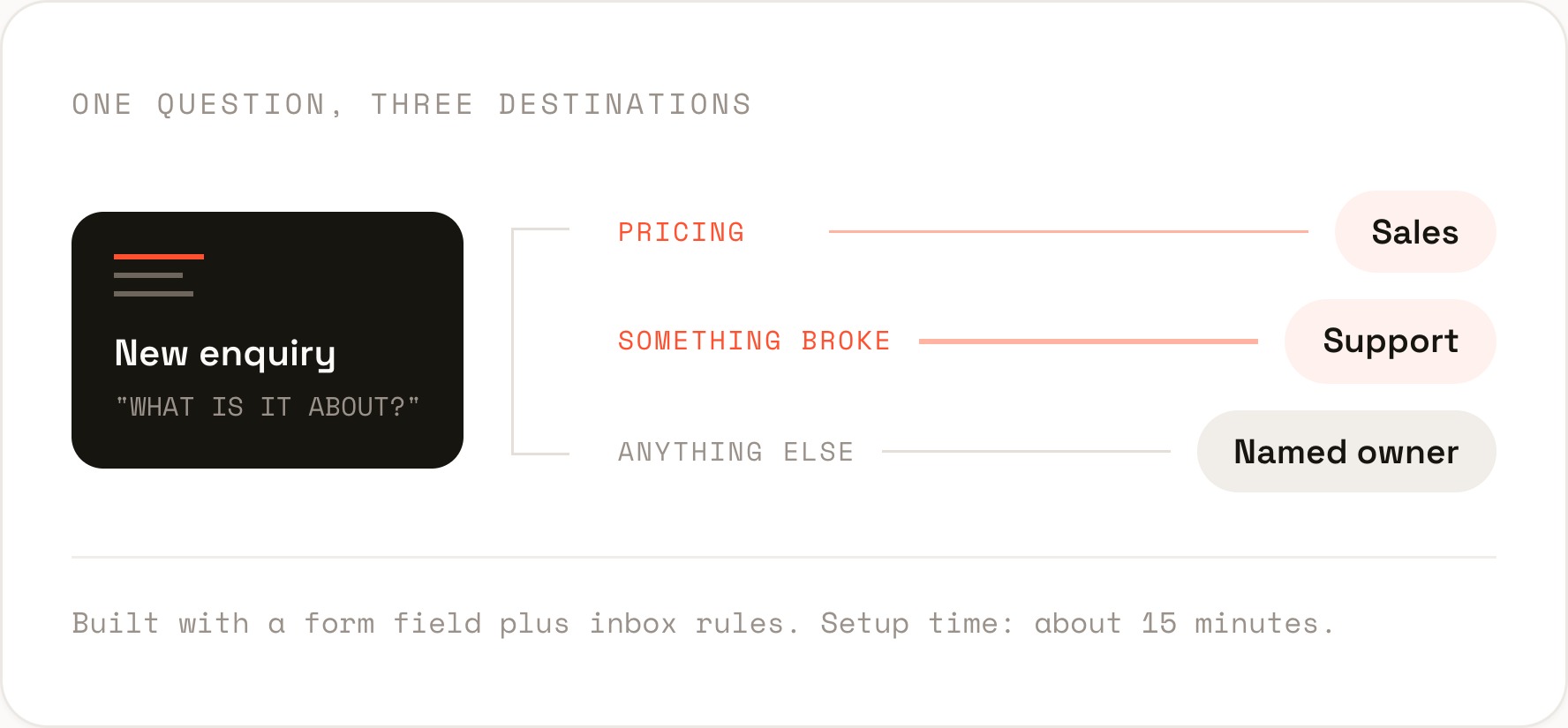
Add one required field to your enquiry form asking what the message is about, then route on that answer. Pricing goes to sales, faults go to support, everything else goes to a named owner rather than the crowd.
Three rules that keep it non-scary
Automation goes wrong when it is invisible, unowned, or trying to be clever. These three habits prevent almost all of it.
Pick one. The filing rule is the easiest, the confirmation sequence pays back fastest, the routing rule saves the most embarrassment. Any of them is a better first move than a strategy document about automation.
Small, visible, reversible. That is what makes automation stop being scary, and start being the reason your week has an hour in it that it did not have before.
Not sure which one to start with?
We’ll look at your week, find the three tasks worth handing to a computer, and set the first one up with you. Book a discovery call.